Fast field captions
Add simple captions and dates without opening a full photo editor.
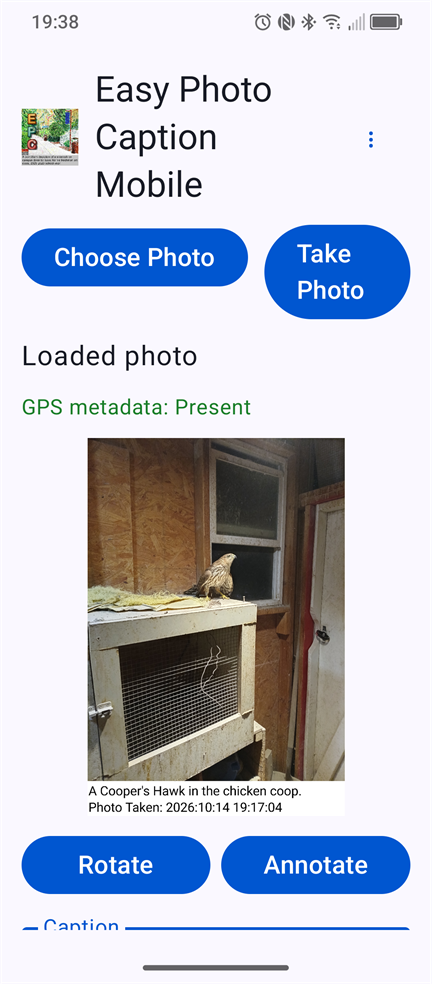
Easy Photo Caption Mobile is designed for quick captioning in the field. Work with an existing image or take a new photo, add essential information, and save an EPC desktop-compatible copy.
Personal mobile licensing will use the usual app-store purchase process. Limited-time partner licenses can be entered directly in the application when provided by an Easy Photo Caption partner.
Choose the app-store option that fits your ongoing use once store distribution is available.
Enter the emailed partner key to activate full features for the period provided by the partner.
Organizations using the app for paid or professional work require commercial licensing.
Commercial options →Until Play Store distribution is available, follow the sideloading and verification instructions on the download page.
Go to Android download