Easily add human readable captions and machine searchable metadata to photos
Caption your images as easily as writing on the back of a printed photo.
Change your photos from a digital liability to a true personal and family legacy. As easily as we used to write on the back of a printed photo, add a
visible caption below your digital images. That caption will now display as part of the image in every photo-viewing software program that would open the original image.
It is also automatically saved as searchable, indexable, digital metadata readable by many standard photo editors and emerging search tools.
The original image is preserved, and the caption can be edited or removed at any time.
Open a photo, add a caption, preview the result, save the captioned image, and move on to the next photo. Easy Photo Caption(ing).
Windows desktop appCaption existing photos quickly & easilyRemove prior captions when needed
Captions are human readable in all photo viewing applications. Digital metadata is machine searchable.
RotateCorrect photo orientation if needed.
Preview ResultsSee the final product before you commit the save.
Edit or Remove CaptionsUpdate or strip a prior caption and save the new result.
Desktop SimpleNo uploads, or web hassle. Your photos never leave you computer. Lifetime buy option, or use it for a month or a year at a time.
Real photo examples
See the difference between the source photo and the finished captioned version.
These examples use actual images from the Easy Photo Caption workflow, showing how quickly a plain image can become a polished, shareable photo with the story preserved.
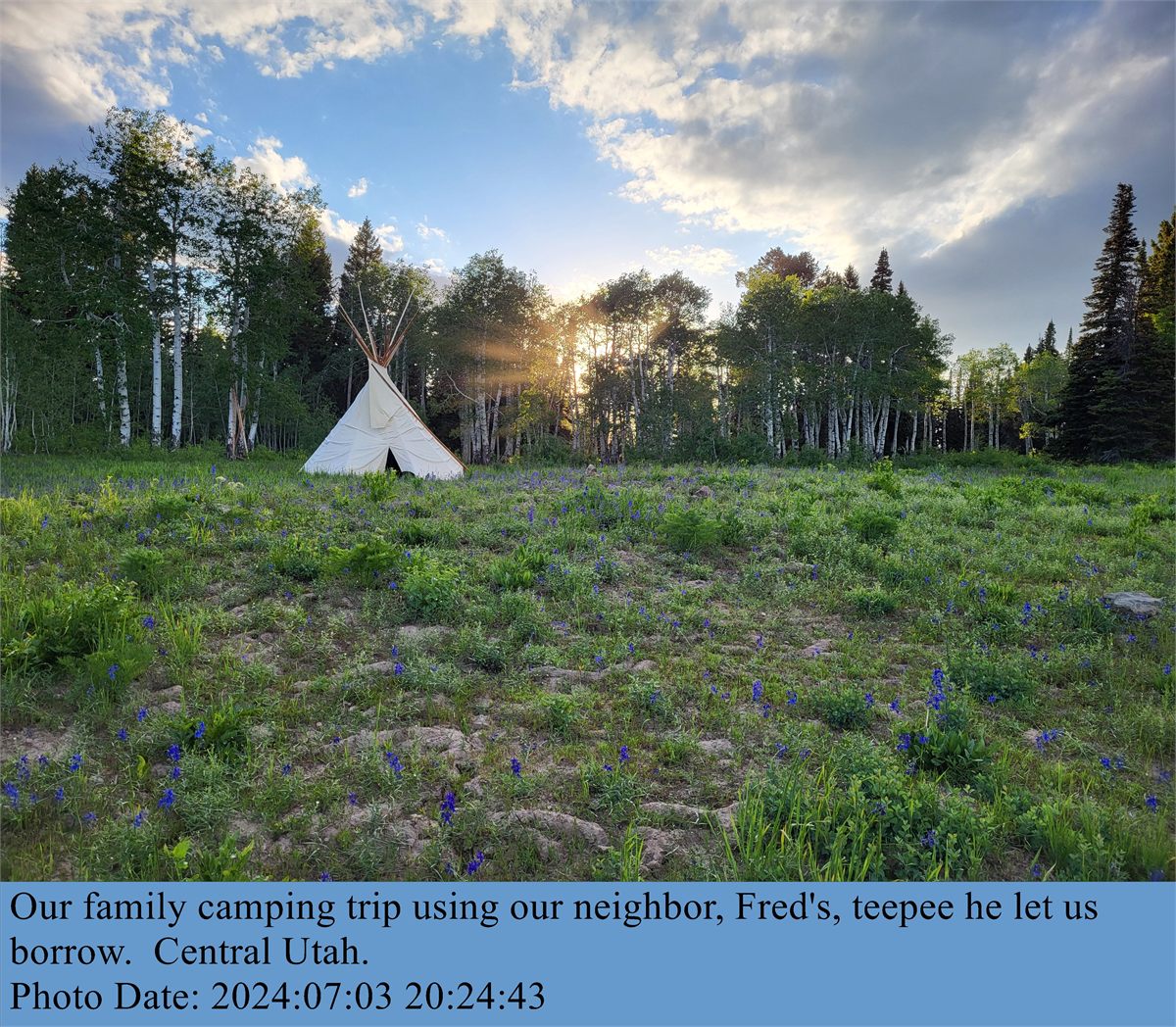
Family Camping Memory
A simple outdoor photo becomes a complete story once the caption and photo creation date are added to the image itself.
Before
After
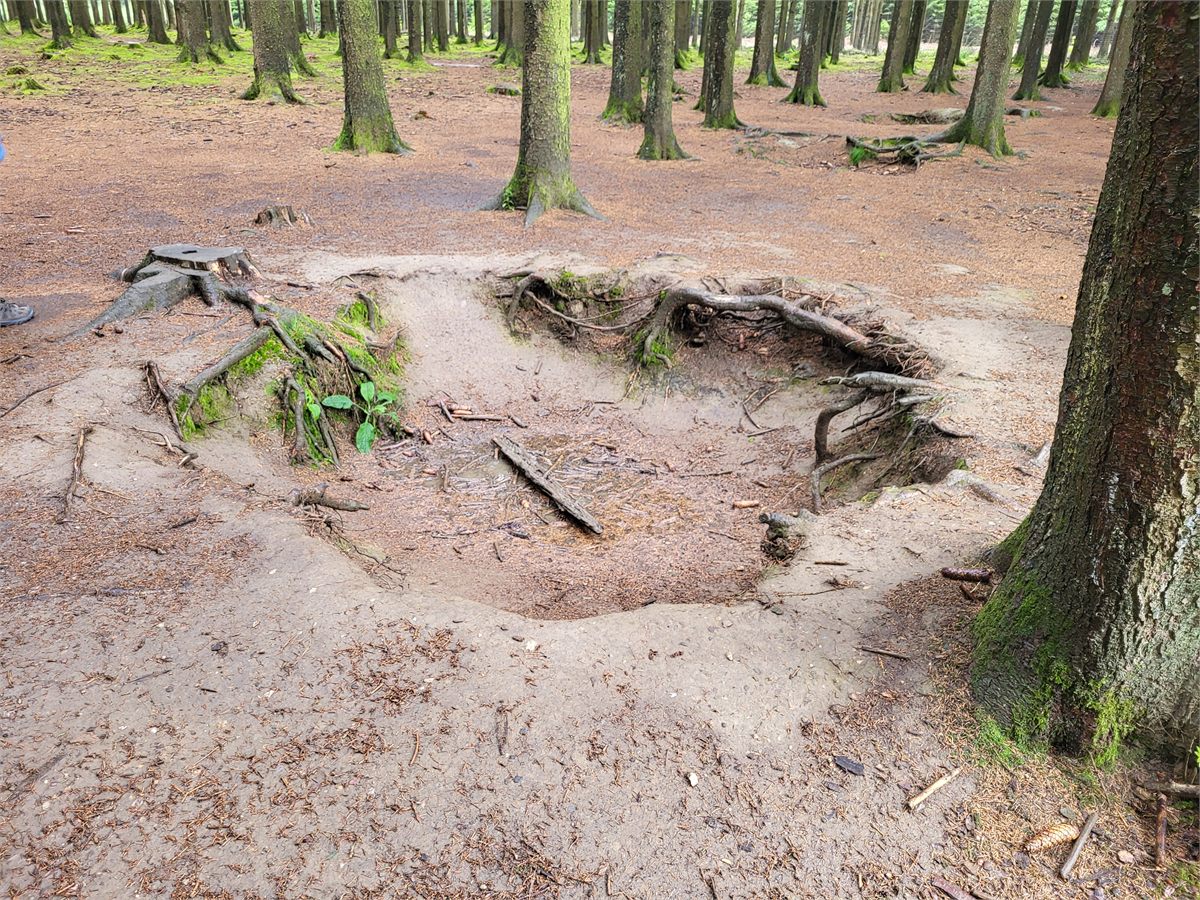
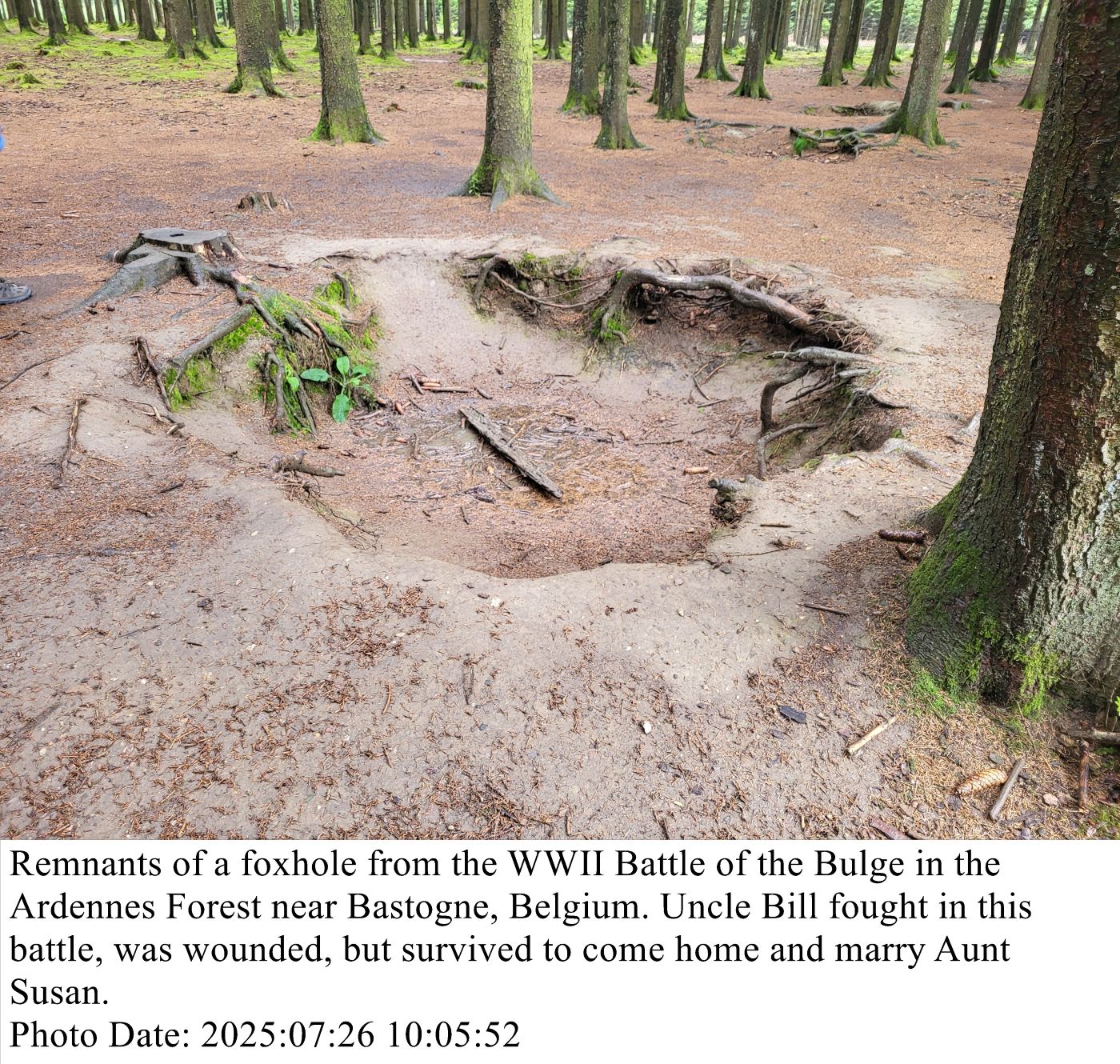
Historical Image with Context
Family History photos come to life when the caption is part of the image and stays with it wherever the file goes.
Before
After
Why customers buy it
A photo-captioning tool for family history work and captioning snapshots.
Easy Photo Caption is designed for people who need an easy, economical way to add human-readable captions and machine-searchable metadata in one simple, unified process to photos
while preserving the original image.
Ideal for Family History work, adding a quick note to vacation photos, or any time you want to add a caption without the hassle, cost, or learning curve of a full image editor.
Human readable captions are embedded into the image itself, so they will display in all photo viewing applications and stay with the photo wherever it goes. The caption text is also automatically
saved as searchable metadata that can be read by many standard photo editors and emerging search tools, making future indexing, cataloguing, and organizing of photos easier.
01
Fast caption editing
Add a new caption or edit/remove an existing one with clear controls for font, size, text color, and background color.
02
Built-in preview workflow
See a visual preview before saving so you can catch spacing, readability, and line-break issues early.
03
Edit or remove prior captions
Easily update or remove a previous caption when you need a fresh version, a revised message, or a clean export.
04
Helpful metadata tools
Quickly copy a photo's existing metadata including photo creation date and location into the human-readable caption.
05
Rotation and Spell Check
Correct photo orientation and correct caption spelling errors before saving the image.
06
File Support
Presently designed specifically for jpeg images. May also open some .png, .tiff, and .bmp files.
Any files opened and captioned will be saved as .jpg files with user-selectable jpeg image quality setting.
Support for additional input and output file formats planned for a future release.
How it works
From source photo to finished caption in four steps.
1
Open your image
Opens many common photo formats. Support for additional input file formats planned for a future release.
2
Adjust the caption
Add or change the text, add existing photo metadata.
3
Preview and refine
Generate a preview, spell-check the caption, set your desired jpeg quality.
4
Save with confidence
Save to a new, .jpg file, leaving your original completely untouched. Additional output formats planned for a future release.
Purchase and licensing
Pay for Easy Photo Caption the way you like.
Choose the license option that best fits how many and how often you caption photos:
Monthly subscription
Annual subscription
Lifetime ownership
All licensing is handled by Freemius.com, a third-party merchant-of-record, which collects and pays appropriate local sales or VAT taxes for your locality.
Freemius also allows you to set up a personal account to deactivate licenses if you need to move the program from one PC to another.
This can also be done from within the application. Licenses are delivered to your email from Freemius.com. Please save a copy of your license key in a secure location.
Upon purchase, the program is licensed to you and to your PC and is valid for use on only one PC at a time. The license is for personal, non-commercial use only. If you wish to use the program for commercial purposes,
please contact us for a commercial-use license.
Monthly and annual subscriptions renew automatically at the end of each term unless or until cancelled.
A reminder email may be sent to your registered email address in advance of renewal, reminding you of the renewal
and the option to cancel. But regardless of any reminder emails, it is your responsibility to cancel the
subscription before the end of the current term if you do not wish to renew. You can initiate the cancellation process
from within the application or via the web directly from your account on freemius.com that will be created if you choose
a monthly or annual subscription.
A Lifetime license is valid for the current major release version of the software and all minor updates / bug fixes to that major release.
A new major release may be released in the future with new features and improvements, but a Lifetime license for a prior major release will not be
valid for use with a new major release. If you purchase a Lifetime license, you will receive all minor updates to the current major release for
free, but you will not receive access to future major releases without purchasing a new license for that major release. It is the sole discretion
of the Easy Photo Caption development team to determine what constitutes a minor vs a major release.
Refund policy: Please be sure Easy Photo Caption meets your needs before purchasing.
You may download and install the application for free to confirm it will install and open correctly.
You can also obtain a free, 7 day evaluation license from within the application or via this website
so you can test drive the application and its features before buying. (Saved images created under the
evaluation license will carry a watermark.)
A one month subscription is very economical and allows interested users to enjoy the full functionality of the program for an unlimited number of photos for a month.
If the program doesn't suite your needs, cancel the monthly subscription. Please do not purchase an annual subscription or lifetime license until you are certain
the application meets your needs. Because this is software, delivered online, no refunds can be offered once a purchase is made. All purchases are final.
The small but important print. End User License and other stuff.
Privacy and Internet: A near-constant internet connection is required to use the free evaluation license. Monthly, annual, and lifetime licenses require periodic internet
connectivity for automatic license re-validation.
If you lose your internet connection for extended periods the application reverts to an unlicensed state and will require an internet connection to validate the license before full
functionality will be restored. Photos and other data are never uploaded to the internet. The application and all photo processing is done locally on your PC. We do not
gather any data from your photos nor your metadata. We do not gather any data from the program nor your PC except for the information required to process your license purchase and validation.
Your license is tied to your email address and the PC on which you install the application, but not to any of your photos, their metadata, the captions you create, nor any of your other private
data on your PC.
Security: Installation and removal of the application may require
administrator privileges on your PC, depending on your system settings. The application will show as being from an unknown publisher. We'll work on getting it signed in a future release, but
in the meantime you may need to click through some security prompts to install and open the application. We appreciate your understanding and patience with this process as we move from initial release
to something closer to a commercial production software provider with software signing keys.
Warranty Disclaimer: This software is provided "as is" without any warranties of any kind, either express or implied, including but not limited to the implied warranties of merchantability
and fitness for a particular purpose. Evaluate and test the program before buying. Confirm it meets your needs using sandbox areas before using it on images of value.
In no event shall the authors or copyright holders be liable for any claim, damages, or other liability, whether in an action of contract, tort, or otherwise,
arising from, out of, or in connection with the software or the use or other dealings in the software. By default, the software should not overwrite your original photo, but instead will
prompt the user to save a new, captioned version as a .jpg file. Do not change this default setting nor manually change save-as file names to overwrite the original photos
until you have confirmed that the application works for your needs and that you understand and like what it does to image files. Be sure to keep backup
copies of your original photos in a secure location and confirm you are not overwriting your original photos unless you are certian you want to do so and that you have a backup of the original photo
in a secure location. We are not liable for any damage to your photos or computer system from use of this software, including but not limited to loss of photos, loss of metadata, or any other damage
to your photos or computer system. By downloading, installing, and using this software you agree to these terms and conditions.
FAQ
Frequently asked questions:
Who is Easy Photo Caption for?
It is aimed at Windows users who need a fast, easy way to caption images with both human-readable captions and machine-searchabe data without relying on a large general-purpose photo editor.
Does it only add captions?
It does one thing really well: It adds human-readable captions (while automatically copying that caption into the photo's digital metadata that is machine-searchable).
It can also rotate images to proper alignment and remove a prior caption when you need a fresh version.
Can I try it before I buy?
Yes. Download the application for free. Confirm that it installs and runs correct. And then activate the free trial using the in-app licensing option or via the
trial license links on this website. (Images saved under the evaluation license carry a watermark.
What about Mac/Apple?
We hope to provide a MacOS version of this wonderful little program soon, based on demand for the Windows version.